 Get 20% off orders over £50 with discount code REWIND
 01423 319041
Your private media library
Keep converted photos, videos, audio and other files together in one secure, organised account.
What do you want to convert?
MyMemories brings your converted photos, videos and recordings into one private online library, so you can watch, organise, download and share the moments that matter.
Everything in one place
MyMemories is designed to feel straightforward, even if cloud storage usually does not.
Keep converted photos, videos, audio and other files together in one secure, organised account.
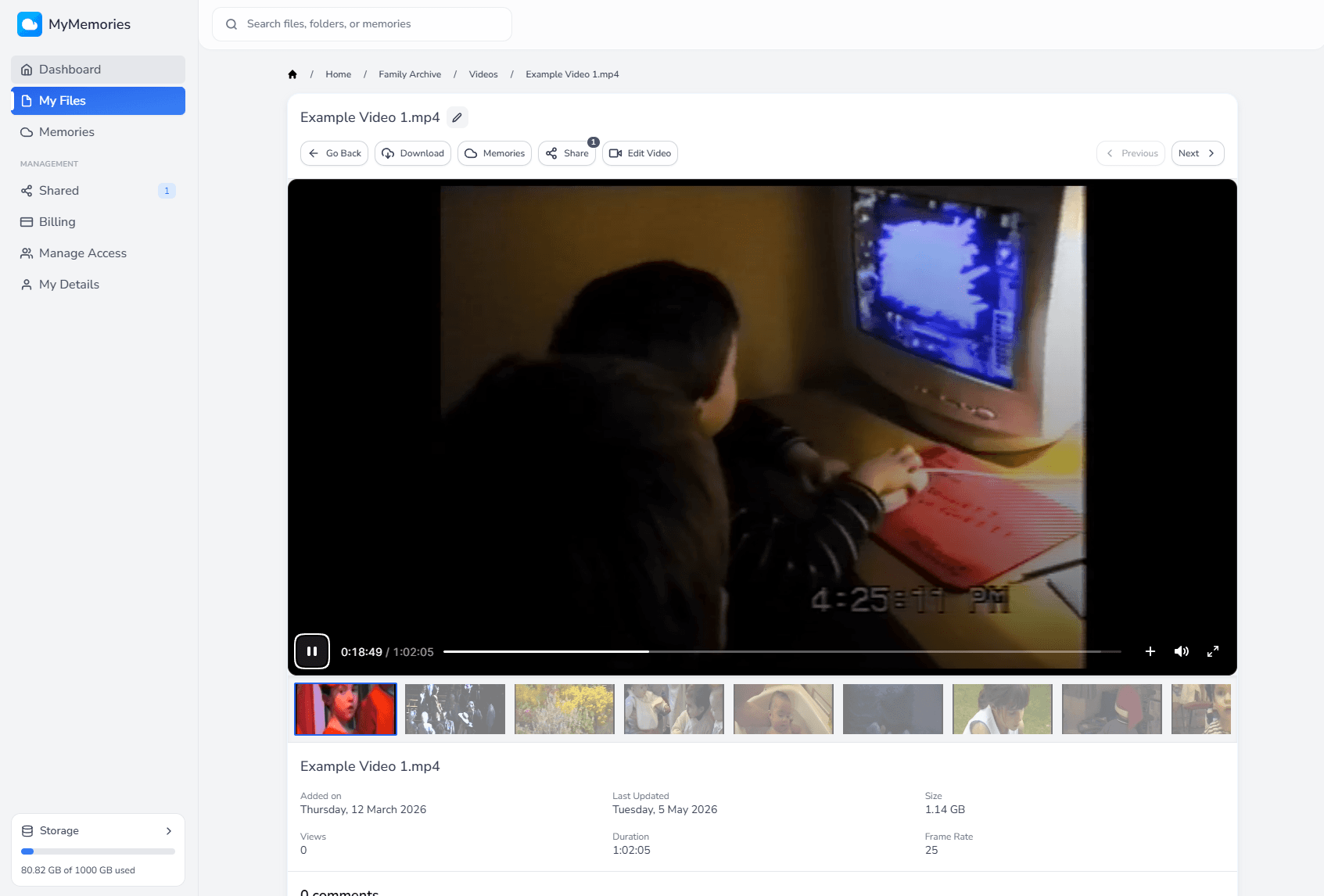
Stream a family video, listen to a recording, browse photographs or download the original file whenever you need it.
Record people, places, dates and stories against a file. You can even attach a memory to an exact moment in a video.
Create a link for one file or folder, multiple files, or even invite members to share access with your account.
Upload more files, create folders, rename and move items.
Extract specific sections from a video into a new file. MyMemories saves a new copy and leaves the original untouched.
Watch on your TV
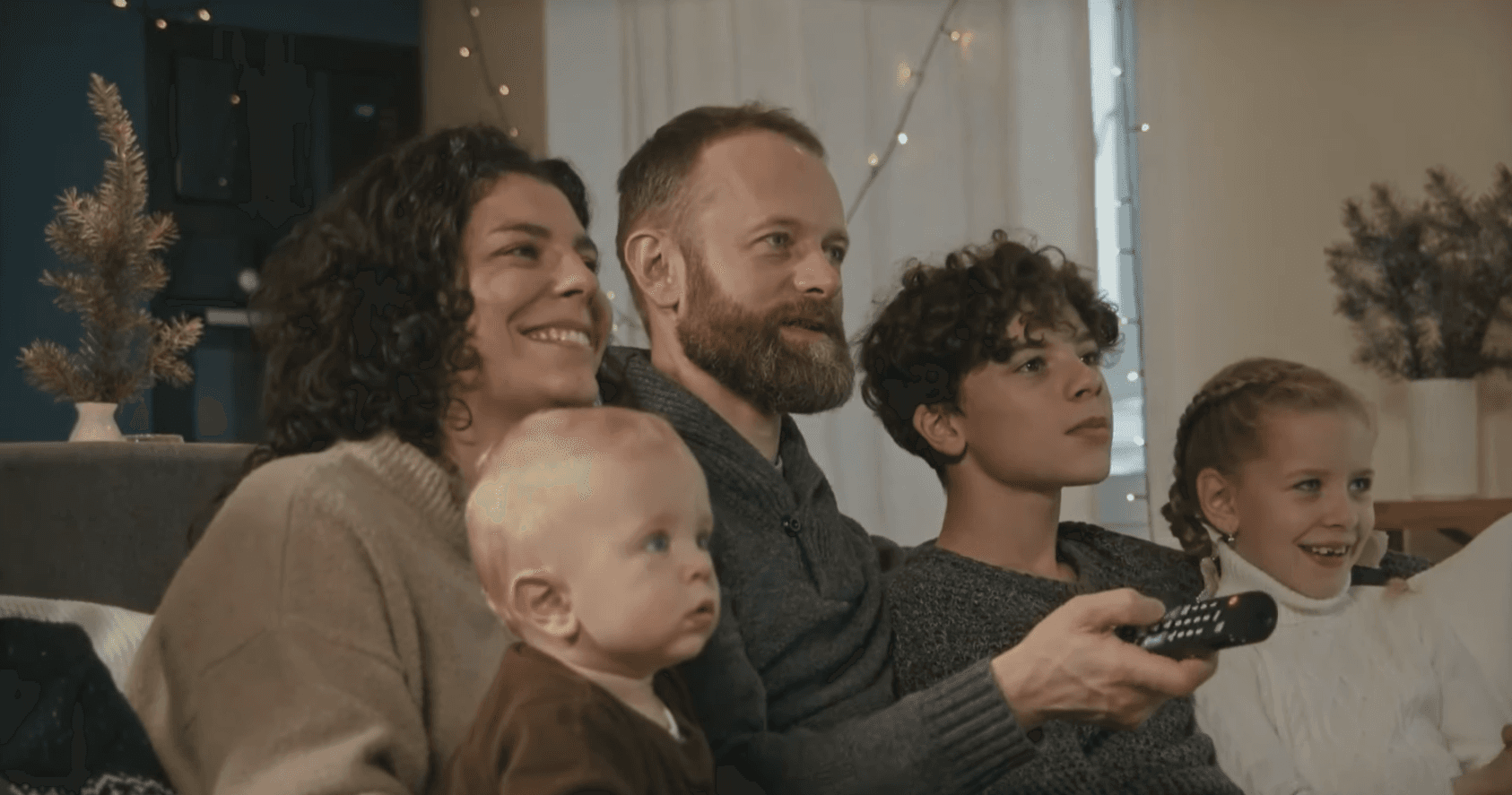
Install MyMemories on compatible Android TV, Google TV and Amazon Fire TV devices—including Fire TV Stick—then sign in and enjoy your library together from the sofa.
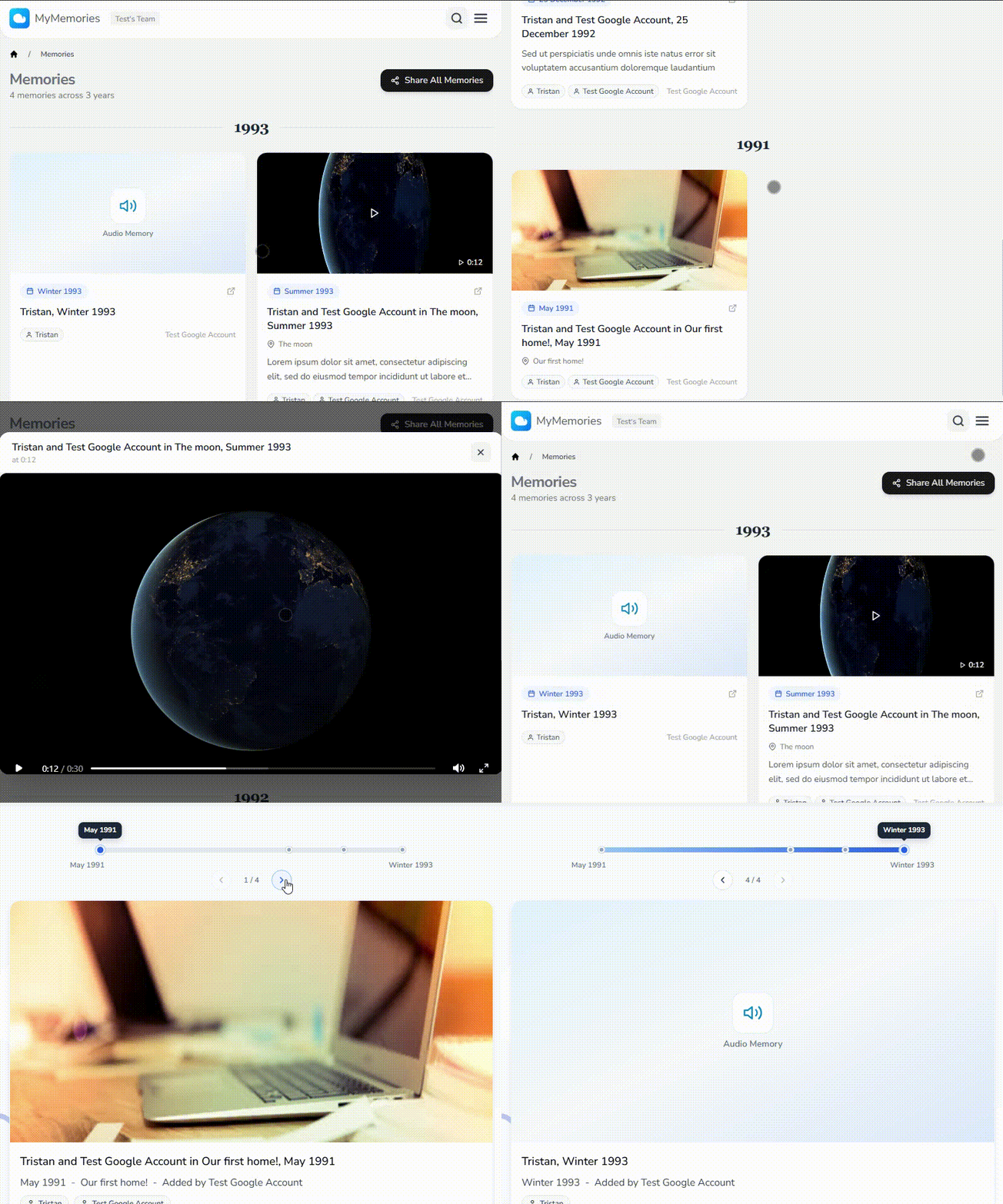
Remember more
Add comments to media, who is pictured, where it happened, when it was, and why the moment matters. For video, a memory can open at the exact timestamp you saved.
From conversion to cloud
There is no separate upload project or technical setup. Choose Cloud Backup with your conversion order and we prepare the library for you.
Add Cloud Backup when you order a conversion from Digital Converters.
We email you when your files are ready, with a private invitation to set up your MyMemories login.
Watch, download, organise and share your files. One year of access is included, with the option to renew annually.
Good to know
Choose Cloud Backup with a Digital Converters order. When your converted files are ready, we will email you a private invitation to create your account.
Your Cloud Backup includes one year of MyMemories access. Before that period ends, you can choose an annual plan to keep your files hosted and available.
Yes. You can create a controlled share link for a selected file or folder, without giving someone access to the rest of your private library.
Yes. You can download supported files from MyMemories whenever your account has active access.
Sign in to your existing MyMemories library, or ask our team about adding Cloud Backup to your next conversion order.